Images and video,
made where the rest of your work lives.
Write a shot once and render it with 10 image and 10 video models — clips up to 30 seconds, 6 models with sound. Every take lands in your Library, ready for the next build.
Three dancers in coral, cobalt and saffron silk. Morning light through tall windows.
Five steps,
one panel.
- 01
Write the shot once
Describe it in plain words, or start from a preset that writes the prompt for you.
- 02
Pick an image or video model
10 image and 10 video models sit in the same panel.
- 03
Only valid options
The panel offers just what that model accepts — its shapes, resolutions, clip lengths and sound.
- 04
Compare takes
Ask for a variation and put it next to the last one before you keep it.
- 05
Keep it, use it
Results land in your Library with the model and settings that made them — ready for chat and Build.
The panel knows what each model takes.
Pick Veo 3.1 and you see its 2 shapes, its resolutions and its clip length — nothing it would reject. Switch model and the choices change with it.
 Veo 3.1Google
20 models,
every option they accept.
Filter by kind. Each card is the model's real setting list from the Studio catalogue.
 GPT Image 2.5 SunburstOpenAIimage
- Shapes
- 8 + auto
- Resolution
- —
1:13:22:34:33:416:99:1621:9- Nano Banana ProGoogleimage
- Shapes
- 10
- Resolution
- 1K · 2K · 4K
1:12:33:23:44:34:55:49:16+2 - Nano Banana 2Googleimage
- Shapes
- 14
- Resolution
- 512 · 1K · 2K · 4K
1:11:41:82:33:23:44:14:3+6  Seedream 5.0 ProByteDance Seedimage
- Shapes
- 17 + auto
- Resolution
- 1K · 2K
1:11:22:12:33:23:44:34:5+9 FLUX.2 MaxBlack Forest Labsimage
- Shapes
- 8 + auto
- Resolution
- —
1:14:33:43:22:316:99:1621:9 Qwen Image 3 ProQwenimage
- Shapes
- 13
- Resolution
- 1K · 2K
1:11:21:42:12:33:23:44:1+5 MAI-Image-2.6Microsoftimage
- Shapes
- 7 + auto
- Resolution
- —
1:14:33:416:99:163:22:3 Krea 2 LargeKreaimage
- Shapes
- 7
- Resolution
- 1K
1:14:33:216:94:52:39:16 Grok Imagine Image 2.0xAIimage
- Shapes
- 13 + auto
- Resolution
- 1K · 2K
1:13:44:39:1616:92:33:29:19.5+5 Recraft V4.1 ProRecraftimage
- Shapes
- 5 + auto
- Resolution
- —
1:14:33:416:99:16- Seedance 2.5ByteDancevideo
- Shapes
- 6
- Resolution
- 480p · 720p
- Length
- 4–30 s
- Sound
- Yes
16:94:31:13:49:1621:9 - Veo 3.1Googlevideo
- Shapes
- 2
- Resolution
- 720p · 1080p · 4K
- Length
- 4, 6 or 8 s
- Sound
- Yes
16:99:16  Kling 3.0 ProKuaishouvideo
- Shapes
- 3
- Resolution
- 720p
- Length
- 3–15 s
- Sound
- Yes
16:99:161:1 Sora 2 ProOpenAIvideo
- Shapes
- 2
- Resolution
- 720p · 1080p
- Length
- 4, 8, 12, 16 or 20 s
- Sound
- Yes
16:99:16 Runway Gen-4.5Runwayvideo
- Shapes
- 2
- Resolution
- 720p
- Length
- 2–10 s
- Sound
- —
16:99:16 Wan 3.0 PrimeAlibabavideo
- Shapes
- 5
- Resolution
- 480p · 720p · 1080p
- Length
- 2–30 s
- Sound
- Yes
16:94:31:13:49:16 Hailuo 3 MaxMiniMaxvideo
- Shapes
- 6
- Resolution
- 768p · 480p
- Length
- 5–15 s
- Sound
- —
21:916:94:31:13:49:16- FLUX.3 VideoBlack Forest Labsvideo
- Shapes
- 6
- Resolution
- 720p · 1080p
- Length
- 5–20 s
- Sound
- Yes
21:916:94:31:13:49:16 - Grok Imagine Video 1.5xAIvideo
- Shapes
- 7
- Resolution
- 480p · 720p · 1080p
- Length
- 1–15 s
- Sound
- —
16:99:161:14:33:43:22:3  HappyHorse 1.1Alibabavideo
- Shapes
- 7
- Resolution
- 720p · 1080p
- Length
- 3–15 s
- Sound
- —
16:99:161:14:33:421:99:21
Generation runs through your OpenRouter account. Live pricing is checked before each generation, and availability is checked with the provider each time.
Start from a format,
not a blank prompt.
Twenty video presets from the app — pick one, add your product, and Studio writes the prompt.
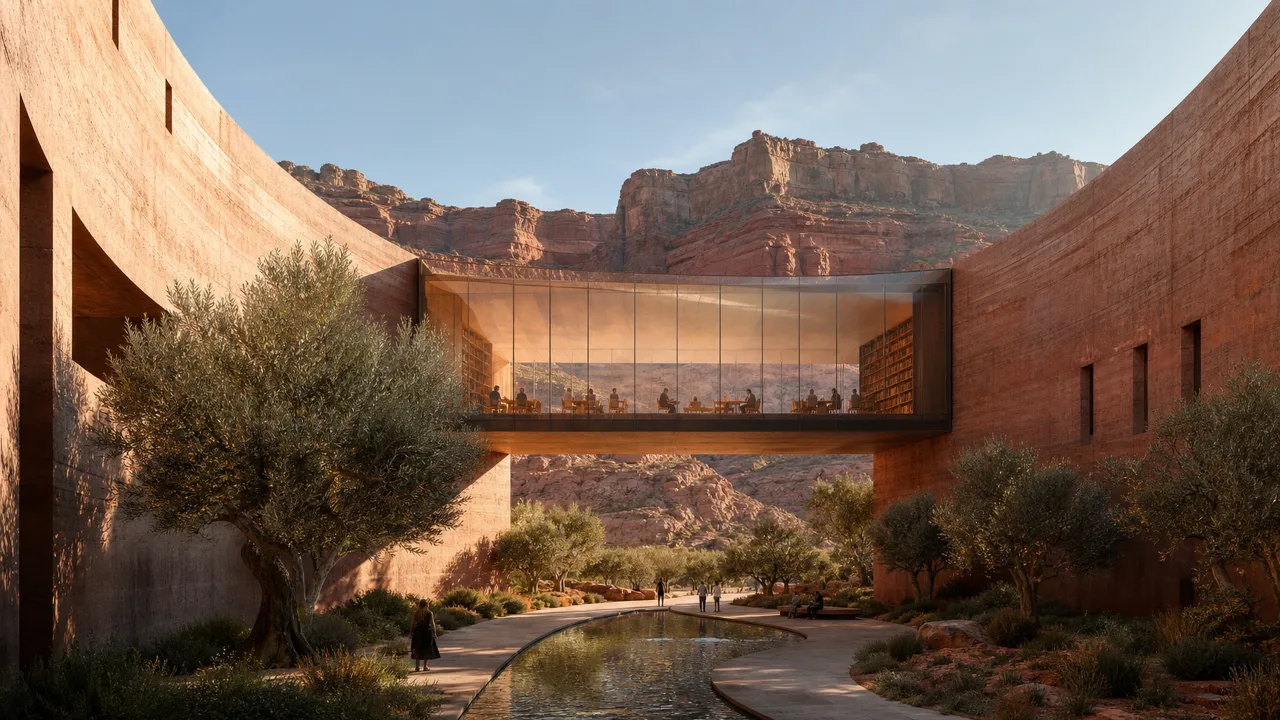
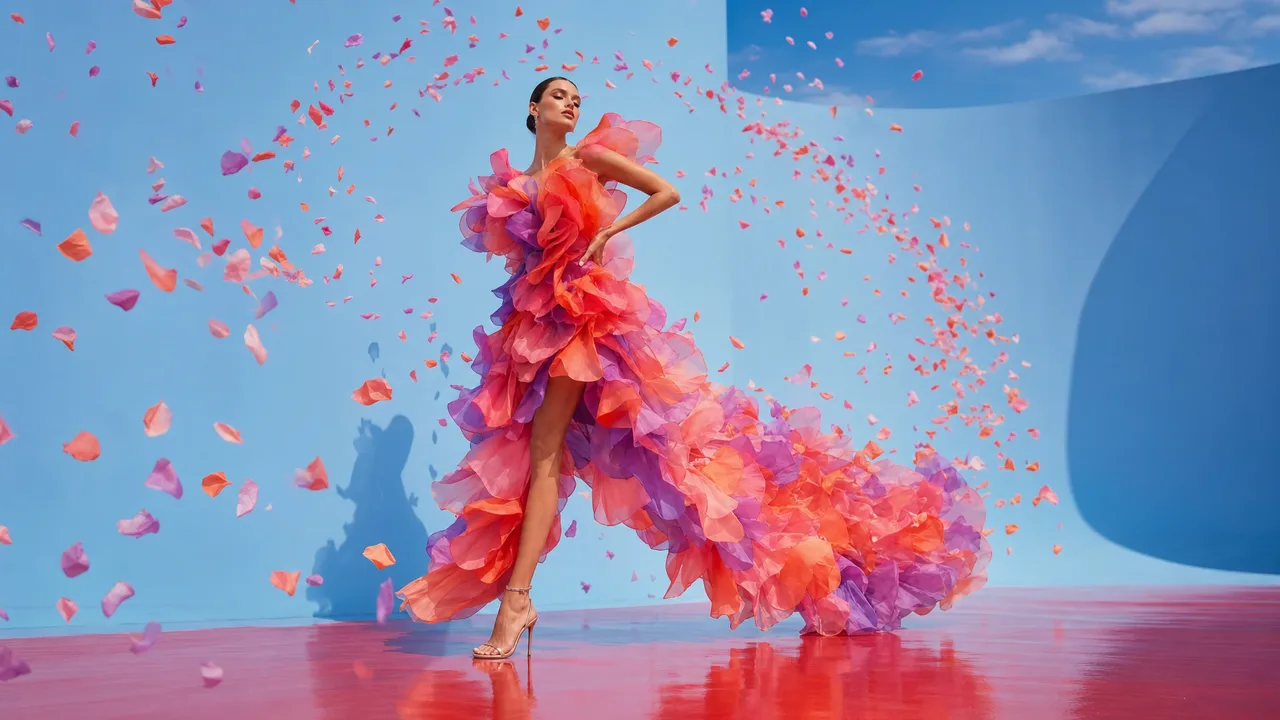
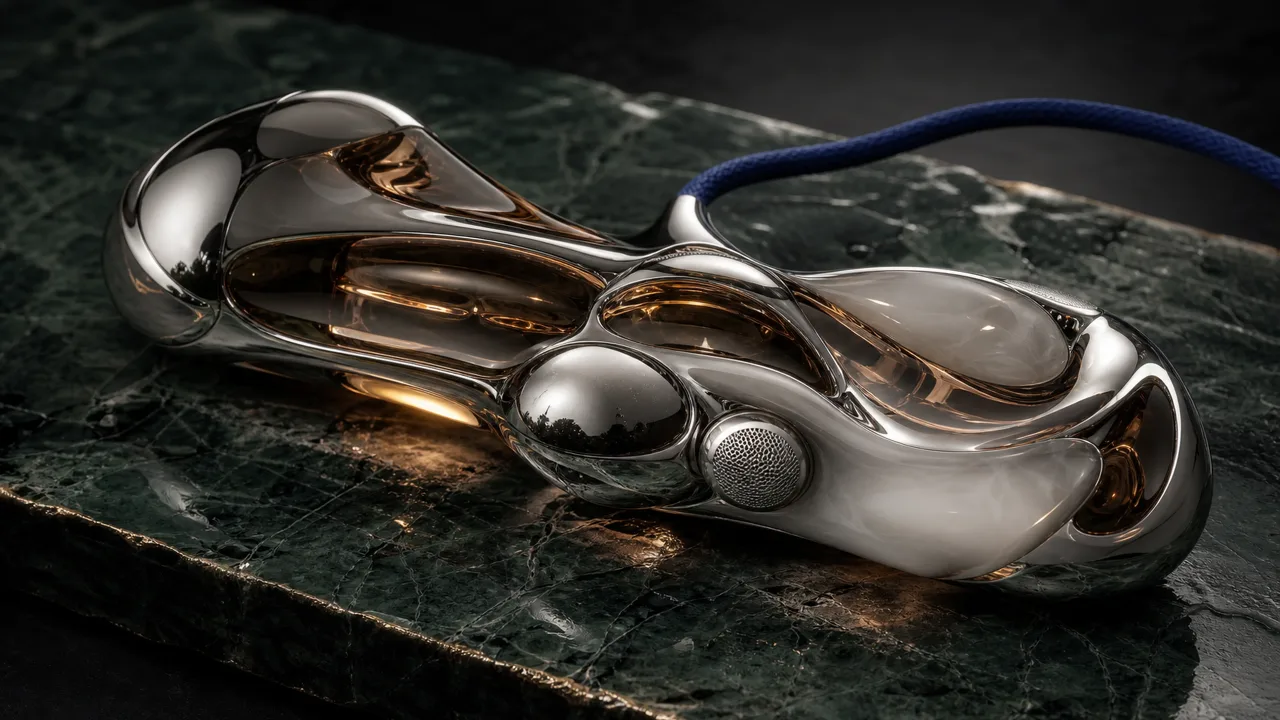
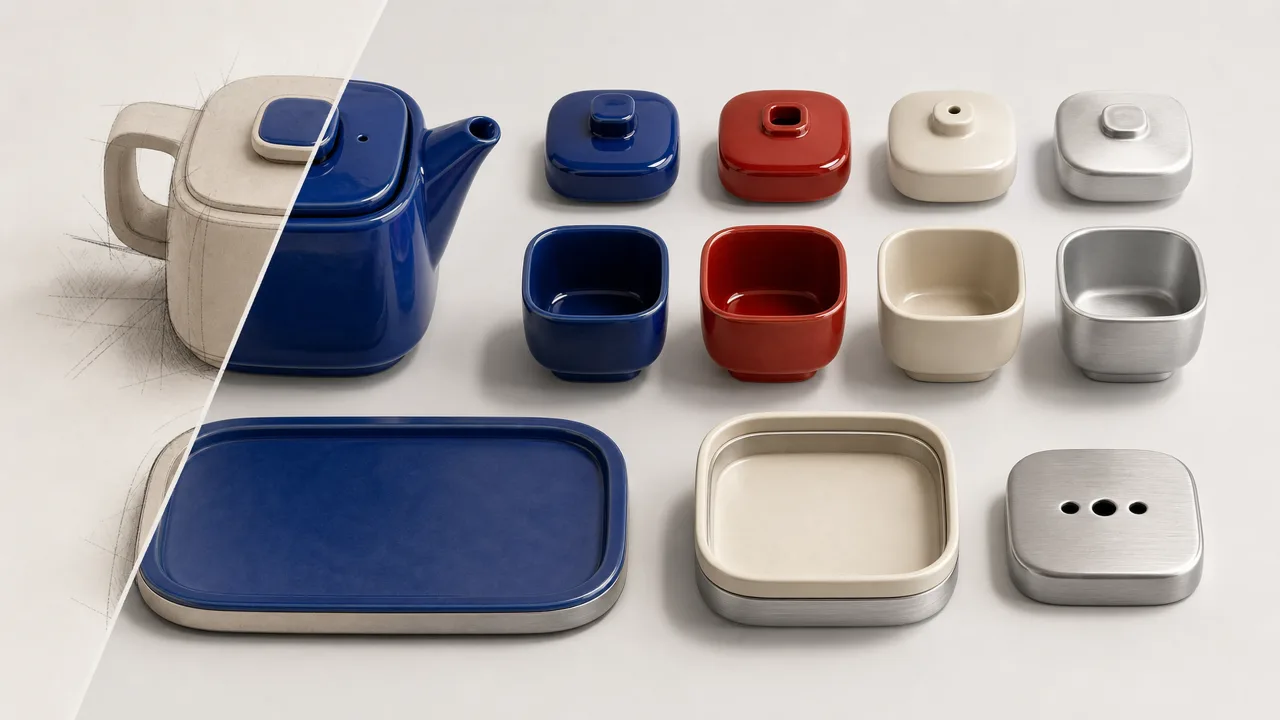
Real outputs,
playing as they came out.
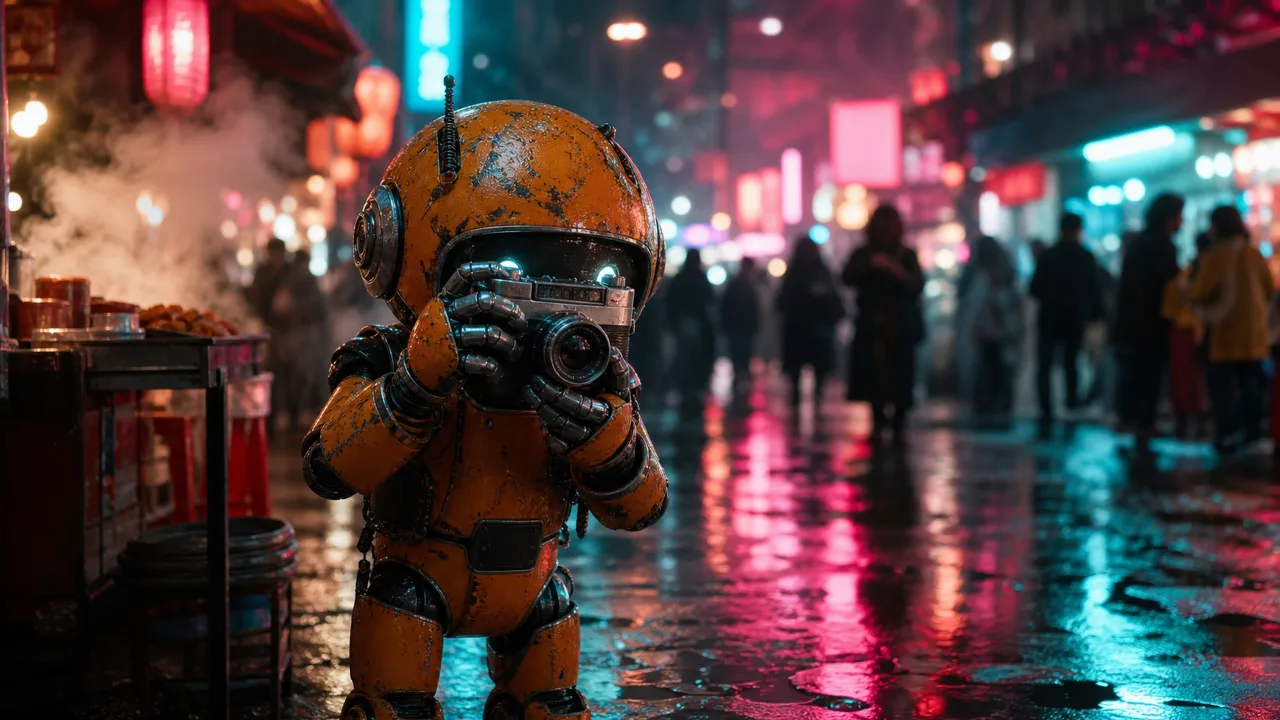
Short films,
in our own style.
From our launch film: painted keyframes, animated with Seedance 2.5 — one of Studio's video models.
Not another tab.
A studio inside the app you build in.
- Twenty models, one panel
10 image and 10 video models — switch without leaving the shot.
- Twenty presets
UGC, TikTok, Instagram and brand formats that write the prompt for you.
- Options that can't be wrong
Each model only shows the settings it really accepts.
- A Library, not a downloads folder
Every result keeps its model and settings, next to your code and games.
- Straight into the work
Hand a clip or image to the agent in chat, or use it in the next build.
- Cut the film here
Order clips on a timeline, trim each scene, export MP4 · H.264 · 30 fps.